

Kornelijus
Affordable and reliable. Traveled to the US for a trip and used blikst. It was much more affordable than other companies and was very

 Trust score 4.5
Device Compatibility: Most modern smartphones are fully compatible with Blikst eSIMs. However, a few exceptions exist. Check our detailed compatibility list to confirm your device works flawlessly with our service..
Activation Policy: Enjoy automatic activation by simply scanning the QR code provided after purchase. Your eSIM will instantly activate upon your arrival at Sudan, ensuring immediate connectivity.
Delivery Time: Receive a confirmation email with your eSIM details right after completing your purchase. Quick and seamless delivery ensures you’re ready to go in minutes.
Sudan has been an exceptionally difficult country to travel in since the 2023 conflict, and most Western governments currently advise against non-essential travel. For journalists, humanitarian staff, and a handful of long-term residents who still move in and out, a working data plan is a safety tool as much as a convenience. A Blikst Sudan eSIM runs on MTN Sudan (now Zain-affiliated in practice; MTN divested the operation in 2020 but the brand and infrastructure persist in carrier databases) at 3G / 4G speeds.
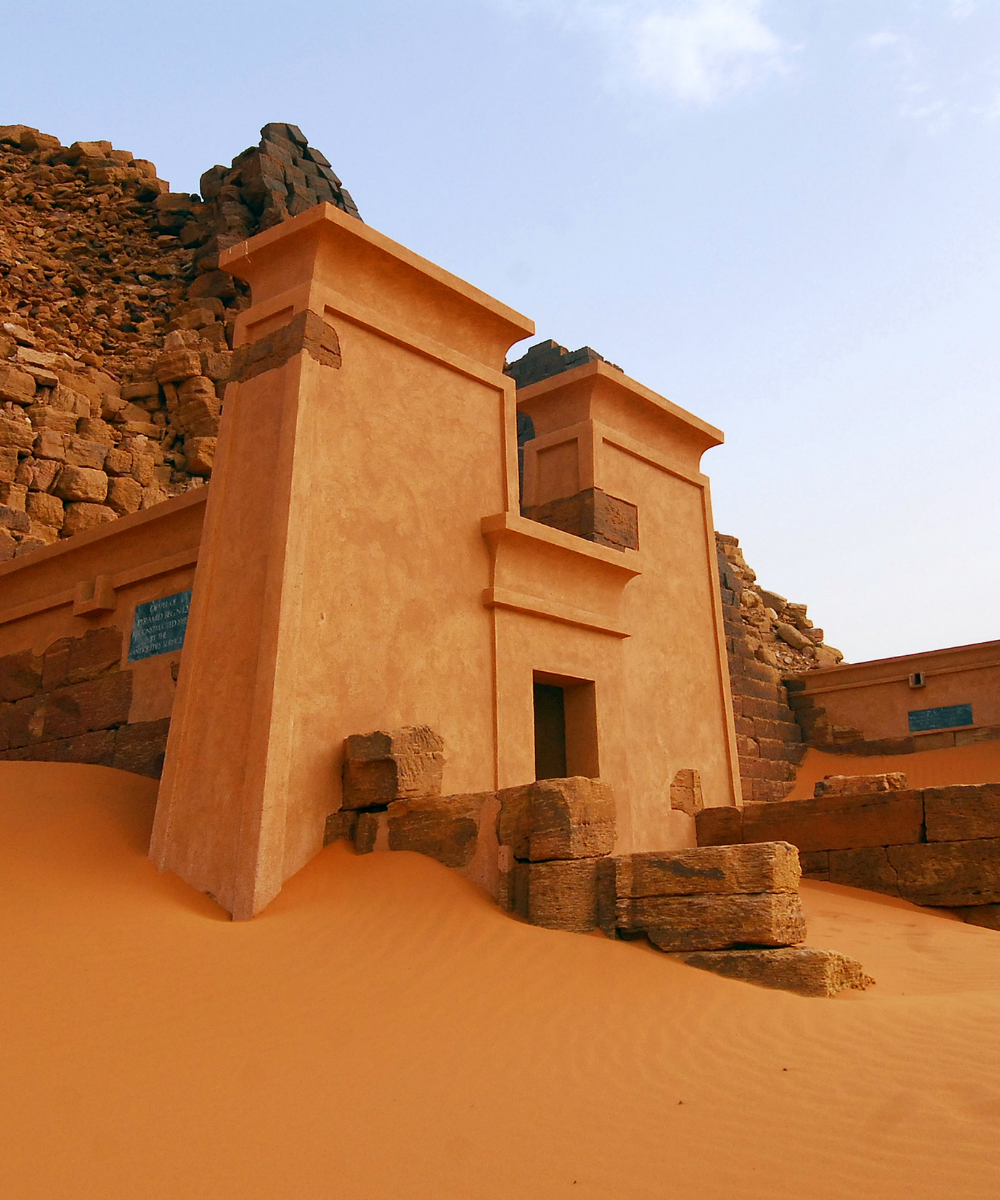
Khartoum, Omdurman, and Bahri (Khartoum North) had dense 4G before the current conflict; many cell sites in the capital have been offline intermittently since April 2023. Port Sudan on the Red Sea coast has remained more stable and is now the de facto seat of government and the main functional transit hub. Kassala, Wad Madani (intermittent), and Atbara have 3G / 4G reach where the network is up. Darfur and South Kordofan are extremely patchy and have been affected by broader communications disruptions. The Nubian desert between Abu Hamed and Wadi Halfa has never had good coverage, and the Meroë pyramids area depends on Shendi's towers.
Any eSIM plan is only as reliable as the underlying network. Sudan has seen nationwide internet outages imposed by authorities and physical damage to telecom infrastructure since 2023. Do not rely on a single connectivity method. Satellite messengers (Garmin inReach, Iridium Go) are standard equipment for anyone working in the country. A Blikst eSIM should be considered a secondary channel that works when the local network does.
Local SIMs from MTN / Zain Sudan and Sudani are inexpensive in local currency, but buying one requires a national ID number or a foreign-passport registration that's not always straightforward under current conditions. International roaming from most carriers into Sudan is either unavailable or priced in the highest tier ($15+ per day). Where any network is working, the Blikst eSIM attaches automatically without the shop visit.
Khartoum International (KRT) has been closed to commercial flights since the start of the current conflict; Port Sudan (PZU) is the main operating civilian airport as of 2026. Install the profile before you fly. Overland entry from Egypt at Wadi Halfa / Argeen or from Ethiopia at Gallabat picks up MTN Sudan towers within the first major settlement. Crossings at Adre from Chad and anywhere near the South Sudanese border are active conflict zones and shouldn't be treated as normal crossings.
Trip lengths here skew to short, planned rotations or longer contractor stays. A one- to two-week rotation focused on Port Sudan and a field visit wants 5 GB, because you'll lean on the eSIM heavily whenever organisational Wi-Fi drops. Longer rotations of a month or more benefit from 20 GB, particularly for photo and report uploads during quiet windows.
Install on outside-Sudan Wi-Fi before you fly, and expect the plan to be one tool among several. Confirm current travel advisories and security conditions with your embassy or employer before making firm plans.


Couldn't load pickup availability


Confirm that your smartphone or device supports our Blikst eSIM functionality.
Learn More

Use the provided step-by-step guide to set up and activate your eSIM in few minutes. Then enjoy your trip.
Learn MoreAffordable and reliable. Traveled to the US for a trip and used blikst. It was much more affordable than other companies and was very
Smooth, simple, just works. Use it again.
Quick activation and stable connection. Super handy 🌟 Used it during my trip in Madeira.
Lovely support, got an esim for UK. Had no issues.
I used to have 3 mobile but the internet connection was not the best, that’s why I started to use Blikst and I find it very useful
The Blikst Sudan eSIM runs on MTN Sudan, which is now Zain-affiliated in practice. MTN divested the operation back in 2020, but the brand and infrastructure persist in carrier databases, so that's what you'll attach to. Speeds are 3G and 4G where the network is up. Be realistic though: any eSIM is only as reliable as the underlying network, and Sudan's has been disrupted since 2023.
Khartoum, Omdurman and Bahri had dense 4G before the conflict, but many capital cell sites have been offline intermittently since April 2023. Port Sudan on the Red Sea coast is the most stable area and the main functional hub. Kassala, Wad Madani (intermittent) and Atbara get 3G/4G where the network is up. Darfur, South Kordofan, the Nubian desert between Abu Hamed and Wadi Halfa, and the Meroe pyramids area are extremely patchy.
Right after you buy, you'll get a confirmation email with your eSIM details. Scan the QR code it contains to install the profile onto your phone, ideally over Wi-Fi before you fly. Activation is automatic: the eSIM activates on arrival in Sudan and attaches to MTN towers wherever the network is working, with no SIM shop visit. Install the profile while you still have a reliable connection outside the country.
Most modern smartphones are fully compatible with Blikst eSIMs, though a few exceptions exist, so check our detailed compatibility list to confirm your device. As a quick test, your phone must be carrier-unlocked and eSIM-capable. On iPhone, look under Settings, General, About for an EID number; on Android, check the network or SIM settings for an eSIM or add-eSIM option. If you see those, you're good to go.
Trips here tend to be short, planned rotations or longer contractor stays. A one- to two-week rotation around Port Sudan plus a field visit suits about 5 GB, because you'll lean on the eSIM heavily whenever organisational Wi-Fi drops. Longer rotations of a month or more benefit from 20 GB, especially for photo and report uploads during quiet windows. Treat the plan as one connectivity tool among several, not your only one.
Yes, tethering and hotspot use are supported, so you can share the connection with a laptop or a colleague's device when the network is up. Bear in mind that coverage itself is the real constraint in Sudan: nationwide internet outages and damage to telecom infrastructure since 2023 mean any connection can drop. Don't rely on a single method, and keep a satellite messenger such as a Garmin inReach or Iridium Go as standard backup.
This is a data-only plan, so calls and messages go over the internet using apps. WhatsApp and Signal are both standard for journalists and humanitarian coordination here, with Signal preferred for sensitive communications and WhatsApp for everyday logistics. Because an eSIM is a separate digital line, your physical home SIM can stay in the phone and keep your usual number active for anyone trying to reach you on it.
Local SIMs from MTN, Zain Sudan or Sudani are inexpensive in local currency, but buying one needs a national ID number or foreign-passport registration that isn't always straightforward under current conditions. International roaming into Sudan is often unavailable or sits in the highest tier, around 15 dollars or more per day. The Blikst eSIM attaches automatically wherever a network is working, with no shop visit and no registration hurdle.