

Kornelijus
Affordable and reliable. Traveled to the US for a trip and used blikst. It was much more affordable than other companies and was very

 Trust score 4.5
Device Compatibility: Most modern smartphones are fully compatible with Blikst eSIMs. However, a few exceptions exist. Check our detailed compatibility list to confirm your device works flawlessly with our service..
Activation Policy: Enjoy automatic activation by simply scanning the QR code provided after purchase. Your eSIM will instantly activate upon your arrival at Singapore, ensuring immediate connectivity.
Delivery Time: Receive a confirmation email with your eSIM details right after completing your purchase. Quick and seamless delivery ensures you’re ready to go in minutes.
Additional Information: All unlimited Singapore plans include 3 GB of high-speed data per day. After this is used, data continues at 128 Kbps with unlimited access. Your 3 GB high-speed allowance resets daily at midnight.
Singapore is probably the most connected country on the planet per square kilometre — MRT stations have public Wi-Fi, hawker centres are heading toward cashless payments, and a two-hour layover at Changi leaves most travellers enough time to shop, shower, eat, and send a dozen messages home. A Blikst Singapore eSIM runs on SingTel / Simba / Starhub (the three national mobile networks, depending on which tower your phone attaches to first) at 4G / 5G speeds. All three are fast, dense, and consistent across the island.
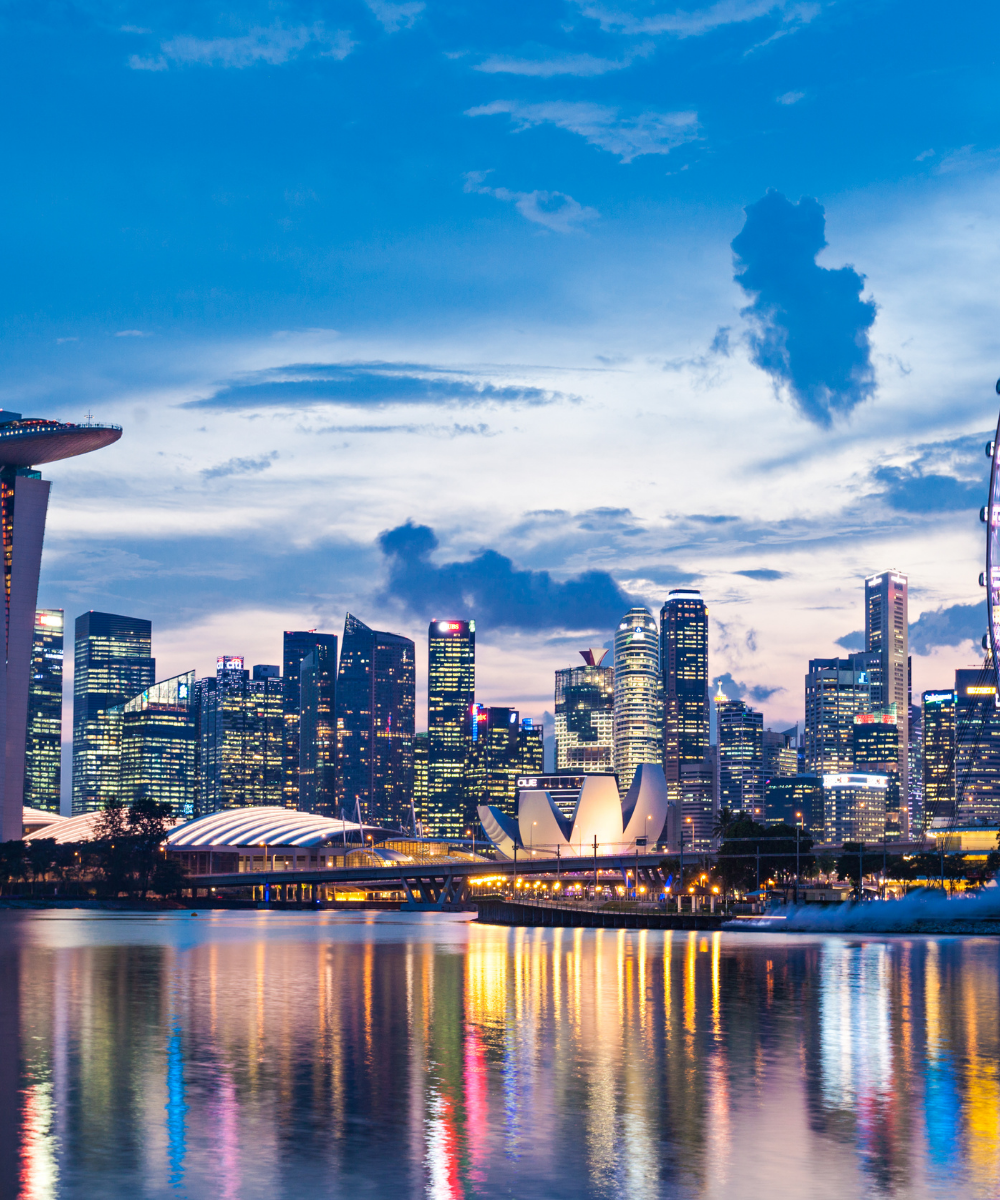
Singapore is 734 km² and every square kilometre is covered. 5G reaches the entire CBD, Orchard, Marina Bay, Sentosa, Jurong, and the Tuas industrial belt. The MRT has signal on platforms and in most stations, with brief dropouts in tunnels on some older North-South and East-West line segments. Changi Airport is blanket 5G, as are Jewel, Gardens by the Bay, and the Botanic Gardens. The only places you'll notice a signal gap are the deep shelters in some MRT tunnel stretches and (unsurprisingly) the interior of the Night Safari after park close.
Singtel, StarHub, and M1 all sell tourist SIM packs at Changi for around S$15–S$30 that include 100 GB for a week or two. That's a fair deal if you're staying a week or more and want a local number for two-factor codes. For shorter stays, layovers, and travellers who don't want to queue at a 7-Eleven in Terminal 2 at 11 p.m., a Blikst eSIM is the path-of-least-resistance option. Most non-Asian home carriers charge $10–$12 per day for Singapore roaming.
Install the eSIM before you fly. Changi's free Wi-Fi is excellent if you need to fix anything on arrival, but most travellers would rather walk straight through immigration (often under ten minutes on a slow night) and grab an MRT or Grab. The plan registers on whichever of SingTel, Simba, or StarHub sees you first — usually SingTel near the terminal. If you're arriving by bus from Johor Bahru across the Causeway, the handoff happens at Woodlands; from Malaysia via Second Link, it's at Tuas.
A long layover — 8 to 24 hours — works on 1 GB, easily. A three- or four-day city visit covering Marina Bay, Sentosa, Little India, and a Changi Jewel stop wants 3–5 GB. A one-week stay with day trips to the Southern Islands or cross-border into Johor Bahru fits 10 GB. Remote workers basing out of a Tanjong Pagar or Novena co-working spot for a month should go 20 GB — Singapore's co-working fibre is fast, but you'll lean on mobile data whenever you're roaming between meetings.
Singapore has the best airport Wi-Fi in the world and public connectivity almost everywhere — you'll still want the eSIM for the rare dead zones (deep tunnels, some hawker basements), for Grab location accuracy, and for staying online between venues. The plan is data-only, so keep your home line alive for any SMS-based banking codes.
Install at home, land at Changi, and the SingTel / Simba / Starhub line is already up by the time you reach the immigration queue.


Couldn't load pickup availability


Confirm that your smartphone or device supports our Blikst eSIM functionality.
Learn More

Use the provided step-by-step guide to set up and activate your eSIM in few minutes. Then enjoy your trip.
Learn MoreAffordable and reliable. Traveled to the US for a trip and used blikst. It was much more affordable than other companies and was very
Smooth, simple, just works. Use it again.
Quick activation and stable connection. Super handy 🌟 Used it during my trip in Madeira.
Lovely support, got an esim for UK. Had no issues.
I used to have 3 mobile but the internet connection was not the best, that’s why I started to use Blikst and I find it very useful
The Blikst Singapore eSIM runs on SingTel, Simba and StarHub, the three national mobile networks, so your phone simply attaches to whichever tower it sees first. All three are fast, dense and consistent across the island, and you get 4G and 5G speeds. Near Changi terminal it usually registers on SingTel, but the plan happily hops between all three depending on where you are.
Singapore is 734 square kilometres and every square kilometre is covered. You get 5G across the entire CBD, Orchard, Marina Bay, Sentosa, Jurong and the Tuas industrial belt, and Changi Airport, Jewel, Gardens by the Bay and the Botanic Gardens are blanket 5G too. The MRT has signal on platforms and in most stations, with brief dropouts in some older North-South and East-West tunnel stretches, and the deep MRT shelters are the main gaps.
Right after you buy, you get a confirmation email with your eSIM details, and you install it by scanning the QR code provided. We recommend installing at home before you fly. Activation is automatic and your eSIM activates instantly on arrival in Singapore, registering on whichever of SingTel, Simba or StarHub sees you first, so the line is already up by the time you reach the immigration queue at Changi.
Most modern smartphones are fully compatible with Blikst eSIMs, though a few exceptions exist, so it is worth checking our detailed compatibility list to confirm your device works. Your phone also needs to be carrier-unlocked. On iPhone you can check eSIM support under Settings, General, About by looking for an EID, and on Android you will find eSIM options in your network settings.
It depends on your trip. A long layover of 8 to 24 hours works easily on 1 GB. A three- or four-day visit taking in Marina Bay, Sentosa, Little India and Changi Jewel suits 3 to 5 GB. A one-week stay with day trips to the Southern Islands or across to Johor Bahru fits 10 GB. Remote workers basing out of a Tanjong Pagar or Novena co-working spot for a month should go for 20 GB.
Yes, tethering and hotspot use are supported, so you can share your connection with a laptop or tablet. On the unlimited Singapore plans you get 3 GB of high-speed data per day, and once that is used data continues unlimited at 128 Kbps. Your 3 GB high-speed allowance resets every day at midnight, so heavy hotspot use simply slows after the daily cap rather than stopping.
The Blikst Singapore plan is data-only, so it does not come with a local number for traditional calls or SMS. You can still call and message over the internet using apps like WhatsApp, FaceTime or Telegram on your data. Because the eSIM is a separate digital line, your physical home SIM stays in the phone, which is handy for keeping your number alive for any SMS-based banking codes.
Most non-Asian home carriers charge around 10 to 12 dollars a day for Singapore roaming, which adds up fast. SingTel, StarHub and M1 sell tourist SIM packs at Changi for roughly S$15 to S$30, a fair deal if you are staying a week or more and want a local number for two-factor codes. For shorter stays and layovers, a Blikst eSIM is the path of least resistance, with no queueing at a 7-Eleven in Terminal 2 late at night.