

Kornelijus
Affordable and reliable. Traveled to the US for a trip and used blikst. It was much more affordable than other companies and was very

 Trust score 4.5
Device Compatibility: Most modern smartphones are fully compatible with Blikst eSIMs. However, a few exceptions exist. Check our detailed compatibility list to confirm your device works flawlessly with our service..
Activation Policy: Enjoy automatic activation by simply scanning the QR code provided after purchase. Your eSIM will instantly activate upon your arrival at Namibia, ensuring immediate connectivity.
Delivery Time: Receive a confirmation email with your eSIM details right after completing your purchase. Quick and seamless delivery ensures you’re ready to go in minutes.
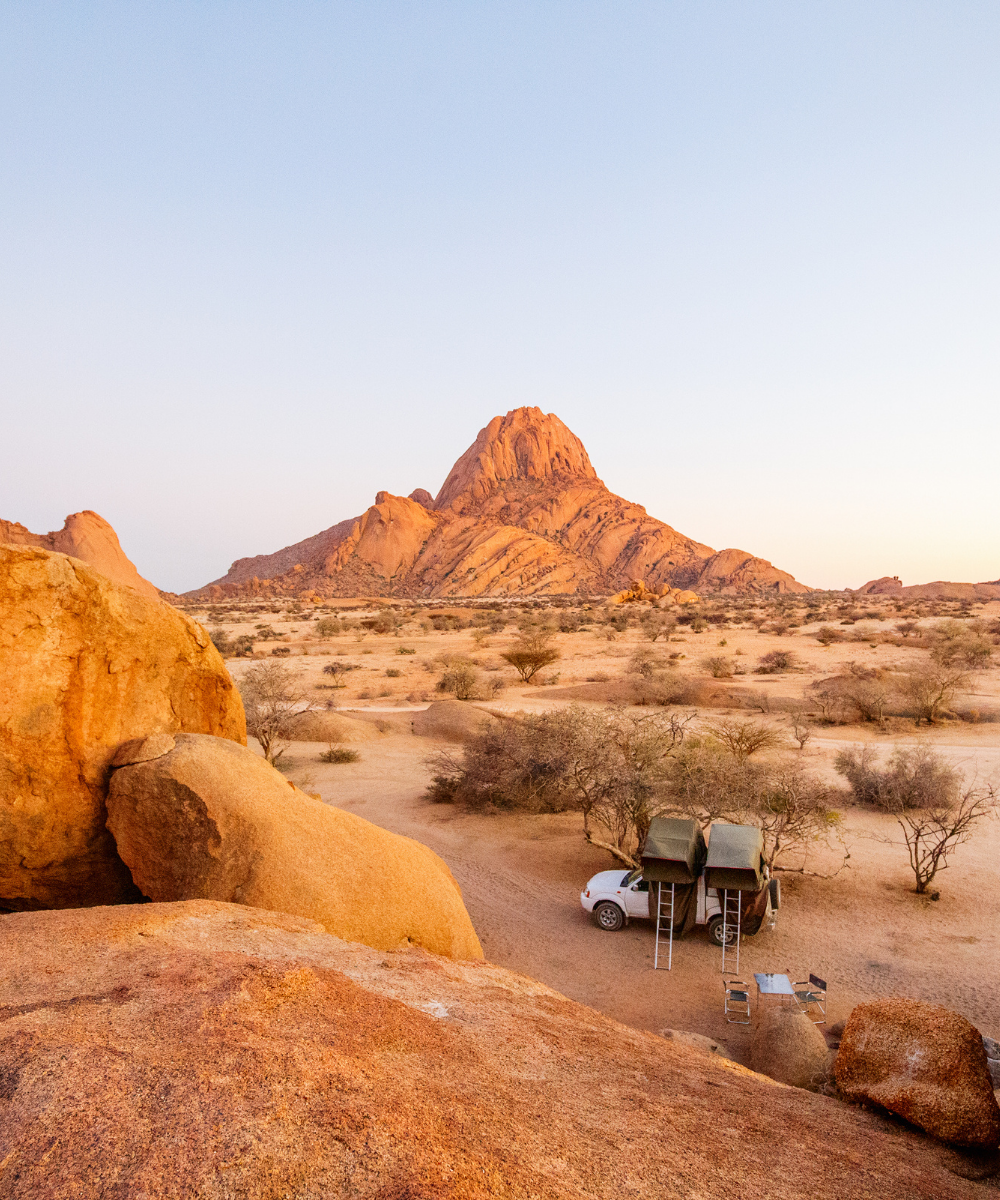
Namibia is a self-drive country — Sossusvlei dunes, Etosha National Park, the Skeleton Coast, and Damaraland rhino tracking. A 10-14 day loop from Windhoek covers some of the most dramatic landscapes in Africa, and much of the driving is on C-class gravel roads with no fuel stops for hundreds of kilometres. A Blikst Namibia eSIM runs on Telecom Namibia's 2G/3G network, providing the basic messaging and map layer you need in town and at lodges; expect long offline stretches between them.
The plan handles WhatsApp, SMS, Google Maps at low resolution, simple web, and email. It doesn't handle smooth video calls or streaming. That aligns with what Namibia's road trip reality looks like anyway — you'll be offline most of the driving day and online at lodges and in towns. Lodges almost always have Wi-Fi (often satellite or Starlink-backed), so your eSIM is the between-lodge connectivity layer.
Windhoek (Klein Windhoek, Ludwigsdorf, Olympia), Swakopmund, Walvis Bay, Otjiwarongo, Tsumeb, Keetmanshoop, Rundu, and Oshakati have 3G in town centres. The B1 highway from Windhoek north to the Angolan border and south to the South African crossing at Noordoewer is covered at towns with gaps between them. The C26 and C14 gravel roads to Sossusvlei and the Namib-Naukluft are largely offline; Sesriem has signal at the gate, Sossusvlei itself doesn't. Etosha has signal at Okaukuejo, Namutoni, and Halali rest camps; game drives in between are offline. The Skeleton Coast is almost entirely offline outside the main towns. Fish River Canyon has signal at the viewpoints; the hike itself is offline. The Caprivi Strip (Zambezi Region) has coverage around Katima Mulilo.
MTC is Namibia's dominant carrier and TN Mobile (from Telecom Namibia) is the alternative. MTC tourist SIMs are available at Windhoek's Hosea Kutako airport and in Windhoek city for around NAD 50–150 with data packs. Registration is quick but you'll queue. US and European carriers roaming in Namibia typically charge $10–$15 per day. A Blikst eSIM installs before you fly and removes the airport queue.
Install the profile at home on Wi-Fi. Land at Hosea Kutako International (WDH), Walvis Bay (WVB), or Eros (ERS) if you're on a small-plane safari transfer, switch airplane mode off, and Telecom Namibia registers. Hosea Kutako is 45 km from Windhoek — shuttles and car rental pickups handle the transfer. Pick up your rental 4x4 at Windhoek and point it at Sesriem or Etosha.
Etosha's three main rest camps (Okaukuejo, Namutoni, Halali) have Wi-Fi and 3G signal around reception; the waterholes and game-drive routes are offline. Sossusvlei entry at Sesriem gate has signal; the dunes do not. Damaraland rhino-tracking camps are satellite-only; your eSIM works at most town stops on the drive in and out. The Skeleton Coast from Swakopmund north is offline past Cape Cross for most of the route.
A 5-day Windhoek + Sossusvlei short loop — 2 GB. A classic 10-day Windhoek–Sossusvlei–Swakopmund–Damaraland–Etosha loop — 5 GB. Two-week grand tour adding Kaokoland or Caprivi — 10 GB. Working remotely from Swakopmund or Windhoek — 20 GB or higher.
Install before you fly, land at Hosea Kutako, and pair the eSIM with lodge Wi-Fi for a self-drive Namibia trip that stays connected where it counts.


Couldn't load pickup availability


Confirm that your smartphone or device supports our Blikst eSIM functionality.
Learn More

Use the provided step-by-step guide to set up and activate your eSIM in few minutes. Then enjoy your trip.
Learn MoreAffordable and reliable. Traveled to the US for a trip and used blikst. It was much more affordable than other companies and was very
Smooth, simple, just works. Use it again.
Quick activation and stable connection. Super handy 🌟 Used it during my trip in Madeira.
Lovely support, got an esim for UK. Had no issues.
I used to have 3 mobile but the internet connection was not the best, that’s why I started to use Blikst and I find it very useful
The Blikst Namibia eSIM runs on Telecom Namibia's network at 2G and 3G speeds. In practice that means it handles WhatsApp, SMS, Google Maps at low resolution, simple web browsing and email, but it won't manage smooth video calls or streaming. That suits a Namibian road trip well, since you'll be offline for most of the driving day and online at lodges and in towns anyway.
You get 3G in the town centres of Windhoek, Swakopmund, Walvis Bay, Otjiwarongo, Tsumeb, Keetmanshoop, Rundu and Oshakati, plus the B1 highway towns and Katima Mulilo in the Caprivi Strip. Be honest with yourself about the gaps: the C26 and C14 to Sossusvlei are largely offline (Sesriem gate has signal, the dunes don't), Etosha only has signal at the Okaukuejo, Namutoni and Halali rest camps, and the Skeleton Coast is almost entirely offline outside the main towns.
Right after you buy, you'll get a confirmation email with your eSIM details, so delivery takes just minutes. Install the profile at home on Wi-Fi by scanning the QR code provided. Activation is automatic: when you land at Hosea Kutako, Walvis Bay or Eros and switch airplane mode off, Telecom Namibia registers and you're connected. Doing the install before you fly removes the airport SIM queue entirely.
Most modern smartphones work flawlessly with Blikst eSIMs, though a few exceptions exist, so check our detailed compatibility list to confirm your device. Your phone also needs to be carrier-unlocked. To check eSIM support, look on an iPhone under Settings, General, About for an EID number, or check the network settings on Android. The eSIM is a separate digital line, so your physical home SIM can stay in the phone.
It depends on your route. A five-day Windhoek and Sossusvlei short loop is comfortable on about 2 GB. The classic ten-day Windhoek to Sossusvlei, Swakopmund, Damaraland and Etosha loop suits around 5 GB. A two-week grand tour adding Kaokoland or the Caprivi is better on 10 GB. If you're working remotely from Swakopmund or Windhoek, plan on 20 GB or higher. Remember much of your driving day is offline, which keeps usage modest.
Yes, tethering and hotspot are supported, so you can share your connection with a travel companion's phone, a tablet or a laptop. Just bear in mind you're on a 2G/3G network, so the shared speed is fine for messaging, maps and email but not for streaming or video calls. In most of Namibia your best bet is to pair the eSIM with lodge Wi-Fi, which is often satellite or Starlink-backed, for heavier tasks.
This is a data plan, so it doesn't include a local Namibian phone number for traditional calls or SMS. You make calls and send messages over the internet using apps like WhatsApp, FaceTime or similar, and WhatsApp is exactly how lodges, guides and car rental desks will contact you in Namibia. Because the eSIM is a separate digital line, you can leave your home SIM in the phone and keep your usual number reachable.
It usually works out well. US and European carriers roaming in Namibia typically charge around 10 to 15 dollars per day, which adds up fast on a two-week trip. MTC tourist SIMs are available at Hosea Kutako airport and in Windhoek for roughly NAD 50 to 150 with data packs, but registration means queuing on arrival. A Blikst eSIM installs before you fly and removes that airport queue, so you land already connected.