

Kornelijus
Affordable and reliable. Traveled to the US for a trip and used blikst. It was much more affordable than other companies and was very

 Trust score 4.5
Device Compatibility: Most modern smartphones are fully compatible with Blikst eSIMs. However, a few exceptions exist. Check our detailed compatibility list to confirm your device works flawlessly with our service..
Activation Policy: Enjoy automatic activation by simply scanning the QR code provided after purchase. Your eSIM will instantly activate upon your arrival at Democratic Republic of the Congo, ensuring immediate connectivity.
Delivery Time: Receive a confirmation email with your eSIM details right after completing your purchase. Quick and seamless delivery ensures you’re ready to go in minutes.
The Democratic Republic of the Congo is the second-largest country in Africa and a different country from the neighbouring Republic of the Congo — they share a name and a river but not a network. A Blikst DRC eSIM runs on Orange RDC's 3G / 4G network and connects from the moment you land at Kinshasa N'djili (FIH), Lubumbashi (FBM), or Goma (GOM) — the country's three main international gateways — without a French-language kiosk registration.
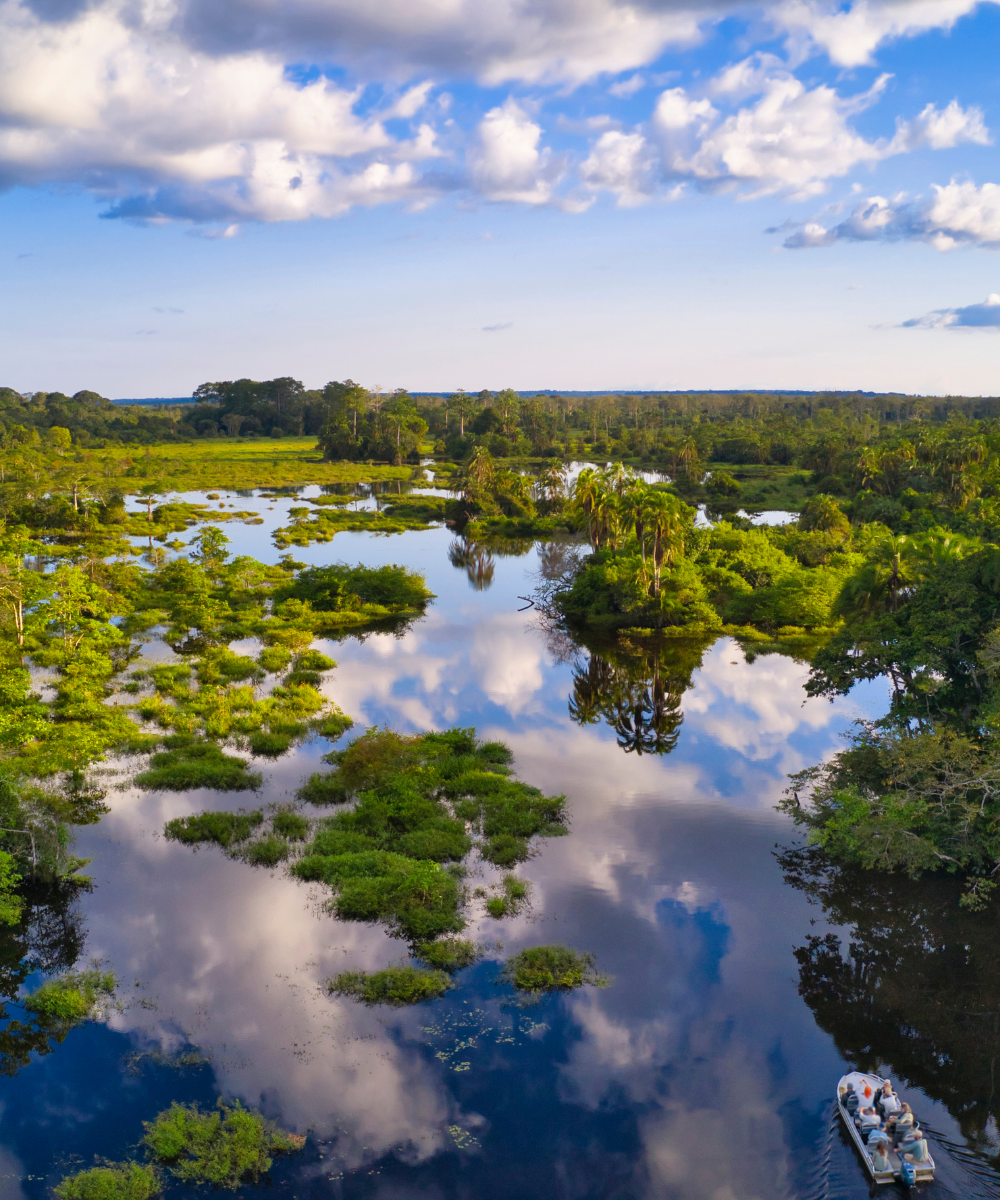
Kinshasa (Gombe, Lingwala, Kintambo, Kinshasa centre), Lubumbashi, Goma, Bukavu, Kisangani, and Mbuji-Mayi all have 4G in the urban cores. The RN1 toll road between Kinshasa and Matadi has coverage along much of the route. The Virunga area around Goma has coverage in town and at the main park entry; gorilla-tracking routes inside Virunga National Park drop offline on most trails. The vast rainforest basin — the Congo River's middle and upper reaches, the Salonga rainforest, and the Ituri — is almost entirely offline outside larger river settlements. If you're doing a Congo River boat journey from Kinshasa toward Mbandaka or Kisangani, expect extended offline sections between ports.
Standard US and European roaming to DRC is typically $15+ per day when supported. Local Orange, Vodacom, or Airtel SIMs require passport registration and real-name verification; this can take an hour or more in Kinshasa. A Blikst plan sits well below roaming rates and lands on Orange's network directly.
Install the eSIM on home Wi-Fi before you fly — N'djili airport Wi-Fi is limited. When you land and switch off airplane mode, the Orange line registers automatically. Turn off data roaming on your home SIM. Flights typically arrive via Addis Ababa, Brussels, Istanbul, Nairobi, Paris, or Johannesburg; the plan activates only when a DRC tower sees it. Kinshasa traffic from the airport to Gombe can be two to three hours at peak; having data live means you can WhatsApp your hotel or security coordinator from the vehicle.
Most visitors to DRC travel on specific itineraries — Virunga gorilla tracking based out of Goma, NGO or mining-sector work, or journalism. Movement plans are typically coordinated through in-country fixers or operators. Your eSIM is a communications tool to keep those coordination channels open; it's not a substitute for local security briefing and route planning.
A business week in Kinshasa or Lubumbashi with hotel Wi-Fi at night runs on 3–5 GB. A Virunga gorilla trip based in Goma with a few days in the park (offline time during tracking) fits into 5 GB. Two-week multi-city itineraries run 10 GB. Long-stay NGO, journalism, or mining-sector deployments with regular video calls should budget 20 GB or higher. River expeditions have extended offline stretches, so overall consumption is often lower than expected.
Install the profile before you fly, land at FIH, FBM, or GOM already connected, and skip the registration queue entirely. Orange RDC network only — if your trip crosses to Brazzaville, that's a separate eSIM.


Couldn't load pickup availability


Confirm that your smartphone or device supports our Blikst eSIM functionality.
Learn More

Use the provided step-by-step guide to set up and activate your eSIM in few minutes. Then enjoy your trip.
Learn MoreAffordable and reliable. Traveled to the US for a trip and used blikst. It was much more affordable than other companies and was very
Smooth, simple, just works. Use it again.
Quick activation and stable connection. Super handy 🌟 Used it during my trip in Madeira.
Lovely support, got an esim for UK. Had no issues.
I used to have 3 mobile but the internet connection was not the best, that’s why I started to use Blikst and I find it very useful
It runs on Orange RDC, one of the Democratic Republic of the Congo's main operators, giving you 3G and 4G speeds. There's 4G in the urban cores of the bigger cities and 3G filling in elsewhere. One thing worth knowing: this is the Orange RDC network only. The DRC and the neighbouring Republic of the Congo share a name and a river but not a network, so a trip across to Brazzaville needs a separate eSIM.
Orange RDC works best in the urban cores: Kinshasa (Gombe, Lingwala, Kintambo and the centre), Lubumbashi, Goma, Bukavu, Kisangani and Mbuji-Mayi all have 4G. The RN1 toll road from Kinshasa to Matadi has coverage along much of the route, and Goma has signal in town and at the main Virunga park entry. Be honest with yourself about the gaps, though: gorilla-tracking trails inside Virunga drop offline, and the rainforest basin, Salonga, the Ituri and most of the Congo River between ports are almost entirely without signal.
Right after you buy, you'll get a confirmation email with your eSIM details, usually within minutes. Install the profile by scanning the QR code while you're still on home Wi-Fi before you fly, because N'djili airport Wi-Fi is limited. Activation is automatic: the Orange line registers the moment a DRC tower sees it, so just switch off airplane mode after you land at Kinshasa, Lubumbashi or Goma. No French-language kiosk registration, and no queue.
Most modern smartphones work fully with Blikst eSIMs, though a few exceptions exist, so it's worth checking our detailed compatibility list before you buy. To confirm yourself, on an iPhone go to Settings, General, About and look for an EID number; on Android check the network or SIM settings. Your phone also needs to be carrier-unlocked. An eSIM is a separate digital line, so your usual physical SIM and home number can stay in the phone alongside it.
It depends on the trip. A business week in Kinshasa or Lubumbashi with hotel Wi-Fi at night runs on 3 to 5 GB. A Virunga gorilla trip based in Goma, with offline time during the tracking itself, fits into about 5 GB. Two-week multi-city itineraries suit around 10 GB, and long-stay NGO, journalism or mining work with regular video calls should budget 20 GB or more. River expeditions have long offline stretches, so they often use less than you'd expect.
Yes, tethering and hotspot are supported, so you can share your connection with a laptop, tablet or a colleague's phone. That's handy in the field for NGO logistics or sending files back from a hotel. Bear in mind you're on Orange RDC's 3G and 4G network, so speeds and reliability follow the coverage map: solid in the urban cores, thinner in the provinces and effectively gone in the rainforest basin and on most Virunga trails.
This is a data plan, so it doesn't come with a local Congolese phone number for traditional calls or SMS. In practice that's no problem in the DRC, where WhatsApp is the default for nearly everything: hotel pickups, fixer and driver coordination, NGO logistics and business contacts, often via voice notes in French, Lingala or Swahili. You can call and message over the internet using apps like WhatsApp or FaceTime, and because the eSIM is a separate line, your home SIM and number stay active in the phone.
Generally, yes. Standard US and European roaming to the DRC is typically over 15 dollars a day where it's supported at all. A local Orange, Vodacom or Airtel SIM means passport registration and real-name verification, which can take an hour or more in Kinshasa. A Blikst plan sits well below roaming rates, lands directly on Orange's network, and lets you skip the registration queue entirely so you're connected the moment you step off the plane.