

Kornelijus
Affordable and reliable. Traveled to the US for a trip and used blikst. It was much more affordable than other companies and was very

 Trust score 4.5
Device Compatibility: Most modern smartphones are fully compatible with Blikst eSIMs. However, a few exceptions exist. Check our detailed compatibility list to confirm your device works flawlessly with our service..
Activation Policy: Enjoy automatic activation by simply scanning the QR code provided after purchase. Your eSIM will instantly activate upon your arrival at Botswana, ensuring immediate connectivity.
Delivery Time: Receive a confirmation email with your eSIM details right after completing your purchase. Quick and seamless delivery ensures you’re ready to go in minutes.
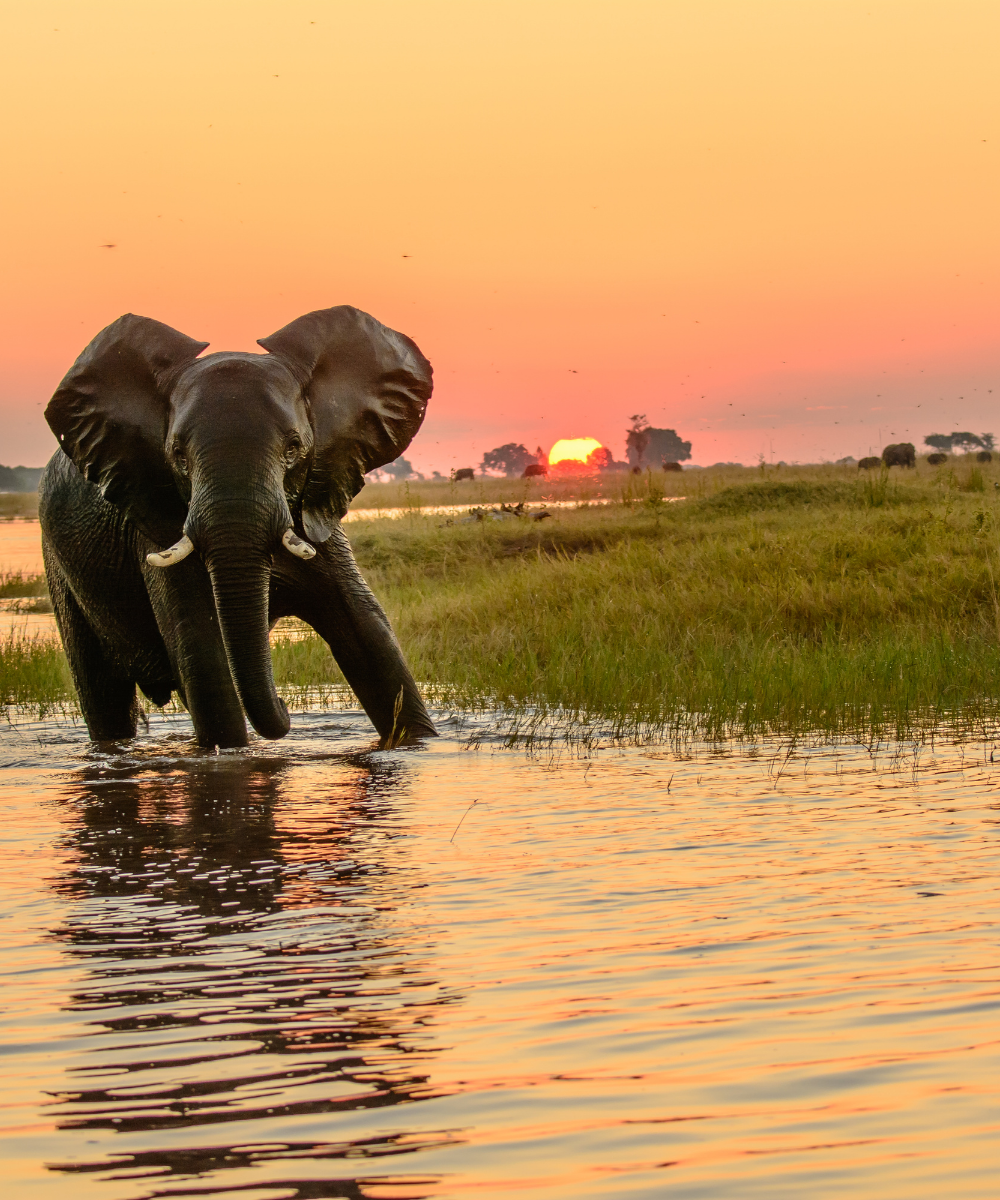
Botswana is safari country — Okavango Delta mokoro trips, Chobe elephant crossings, and Central Kalahari tracks where the nearest tar road is half a day away. It's also a country where lodge check-ins, charter-plane confirmations, and game-drive scheduling all run on WhatsApp voice notes. A Blikst Botswana eSIM runs on Orange Botswana's 3G / 4G network and connects from the moment you land at Sir Seretse Khama International Gaborone (GBE), Maun (MUB) for the Delta, or Kasane (BBK) for Chobe.
Gaborone, Francistown, Maun, Kasane, and Ghanzi all have reliable 4G. The A1 highway between Gaborone and Francistown holds signal along the route. The A3 towards Maun and the routes into Chobe National Park have 4G in the towns and drop to 3G or offline stretches inside park boundaries. The Okavango Delta interior — past Maun into the panhandle, the mokoro waterways, and the deeper Moremi Game Reserve — is largely offline. Lodges in the Delta almost universally have satellite Wi-Fi (Starlink is now common across the camps) as the practical connectivity solution. The Central Kalahari Game Reserve, the Makgadikgadi Pans, and Nxai Pans all have extended offline sections; expect no signal on most self-drive tracks.
US and European carriers charge $10–$15 per day for Botswana roaming, often with limited 4G support at that rate. Local Orange, Mascom, or BTC Mobile SIMs are available but require registration with passport ID, and store hours in Maun and Kasane are short. A Blikst plan lands on Orange directly, with none of that.
Install the eSIM on home Wi-Fi before you fly — Maun and Kasane airports are small and Wi-Fi is limited. When you land and switch off airplane mode, the Orange line registers automatically. Turn off data roaming on your home SIM. If you're connecting through Johannesburg (the most common routing), the plan only activates when a Botswanan tower picks it up. Many Delta itineraries involve a charter flight out of Maun to a bush strip — you'll have signal in Maun town and lose it as soon as the Cessna lifts off, with sporadic coverage at bigger camps and none at bush strips.
Treat cellular data as unreliable inside parks. Download offline maps, pre-save routes to your lodge, and use the lodge's Starlink / VSAT Wi-Fi for large uploads at the end of each day. Your eSIM is your lifeline on transfer days and in Maun and Kasane, less so in the bush itself.
A one-week Delta + Chobe safari works on 3–5 GB — you'll be offline most of each day. A two-week Gaborone + Kalahari + Delta self-drive fits into 5–10 GB. Three-week cross-country trips including Makgadikgadi Pans and Tuli Block sit in 10 GB. Long-stay researchers or tour-company staff should budget 20 GB or more.
Install before you fly, land at MUB, BBK, or GBE already connected, and WhatsApp your lodge the moment you step off the plane. One QR code for Orange Botswana — the bush handles the rest.


Couldn't load pickup availability


Confirm that your smartphone or device supports our Blikst eSIM functionality.
Learn More

Use the provided step-by-step guide to set up and activate your eSIM in few minutes. Then enjoy your trip.
Learn MoreAffordable and reliable. Traveled to the US for a trip and used blikst. It was much more affordable than other companies and was very
Smooth, simple, just works. Use it again.
Quick activation and stable connection. Super handy 🌟 Used it during my trip in Madeira.
Lovely support, got an esim for UK. Had no issues.
I used to have 3 mobile but the internet connection was not the best, that’s why I started to use Blikst and I find it very useful
The Blikst Botswana eSIM runs on Orange Botswana's network, one of the country's main mobile operators. You get 3G and 4G speeds, which is plenty for WhatsApp voice notes, lodge check-ins, charter-flight confirmations and game-drive scheduling — the things Botswana safari logistics actually run on. There's no 5G here, but 4G covers the towns and transfer routes you'll rely on day to day.
Gaborone, Francistown, Maun, Kasane and Ghanzi all have reliable 4G, and the A1 highway between Gaborone and Francistown holds signal along the route. The A3 towards Maun and the routes into Chobe have 4G in the towns but drop to 3G or offline inside the parks. Be honest with yourself about the bush: the Okavango Delta interior, Moremi, the Central Kalahari, Makgadikgadi and Nxai Pans are largely offline.
Right after purchase you'll get a confirmation email with your eSIM details, then you install it by scanning the QR code provided. Do this on home Wi-Fi before you fly, since Maun and Kasane airports have limited Wi-Fi. The plan activates automatically the moment a Botswanan tower picks it up — so if you route through Johannesburg, it only switches on once you land in Botswana. Turn off data roaming on your home SIM.
Most modern smartphones work fully with Blikst eSIMs, though a few exceptions exist, so check our detailed compatibility list to confirm your device. Generally you need a carrier-unlocked phone that supports eSIM. On an iPhone, look under Settings, General, About for an EID number; on Android, check your network or SIM settings. If you see an EID and your handset isn't locked to a carrier, you're good to go.
Because you'll be offline for much of each day in the bush, you need less than you'd think. A one-week Delta and Chobe safari works on 3 to 5 GB. A two-week Gaborone, Kalahari and Delta self-drive fits into 5 to 10 GB. Three-week cross-country trips taking in Makgadikgadi and the Tuli Block sit around 10 GB. Long-stay researchers or tour staff should budget 20 GB or more. WhatsApp is your main background drain when you have signal.
Yes, tethering and hotspot use are supported, so you can share your connection with a tablet, laptop or a travelling companion's phone. Just remember coverage is the real limiter here, not the feature itself — hotspotting works fine in Maun, Kasane and the main towns, but inside the parks you'll often have no signal to share. For large uploads at camp, lean on the lodge's Starlink or VSAT Wi-Fi, which is now common across the Delta camps.
This is a data plan, so calls and messages go over the internet rather than a traditional phone number. That suits Botswana perfectly, since every lodge, mobile safari operator and charter coordinator runs on WhatsApp, with voice notes the norm. You can also use FaceTime or similar apps over data. Because the eSIM is a separate digital line, your physical home SIM and number can stay in the phone — just switch its data roaming off.
Usually, yes. US and European carriers charge around $10 to $15 a day for Botswana roaming, often with limited 4G at that rate. Local Orange, Mascom or BTC SIMs are available but need passport-ID registration, and store hours in Maun and Kasane are short. A Blikst plan lands you straight onto Orange with none of that faff — install before you fly, land already connected, and WhatsApp your lodge the moment you step off the plane.