

Kornelijus
Affordable and reliable. Traveled to the US for a trip and used blikst. It was much more affordable than other companies and was very

 Trust score 4.5
Device Compatibility: Most modern smartphones are fully compatible with Blikst eSIMs. However, a few exceptions exist. Check our detailed compatibility list to confirm your device works flawlessly with our service..
Activation Policy: Enjoy automatic activation by simply scanning the QR code provided after purchase. Your eSIM will instantly activate upon your arrival at Hawaii, ensuring immediate connectivity.
Delivery Time: Receive a confirmation email with your eSIM details right after completing your purchase. Quick and seamless delivery ensures you’re ready to go in minutes.
Hawaii is a US state, not an international destination — but you wouldn't always know that from the roaming bills non-US travellers rack up on Oahu and Maui. A Blikst Hawaii eSIM runs on T-Mobile USA at 4G / 5G speeds, covering the main islands travellers visit: Oahu, Maui, Hawaii Island (the Big Island), Kauai, Molokai, and Lanai.
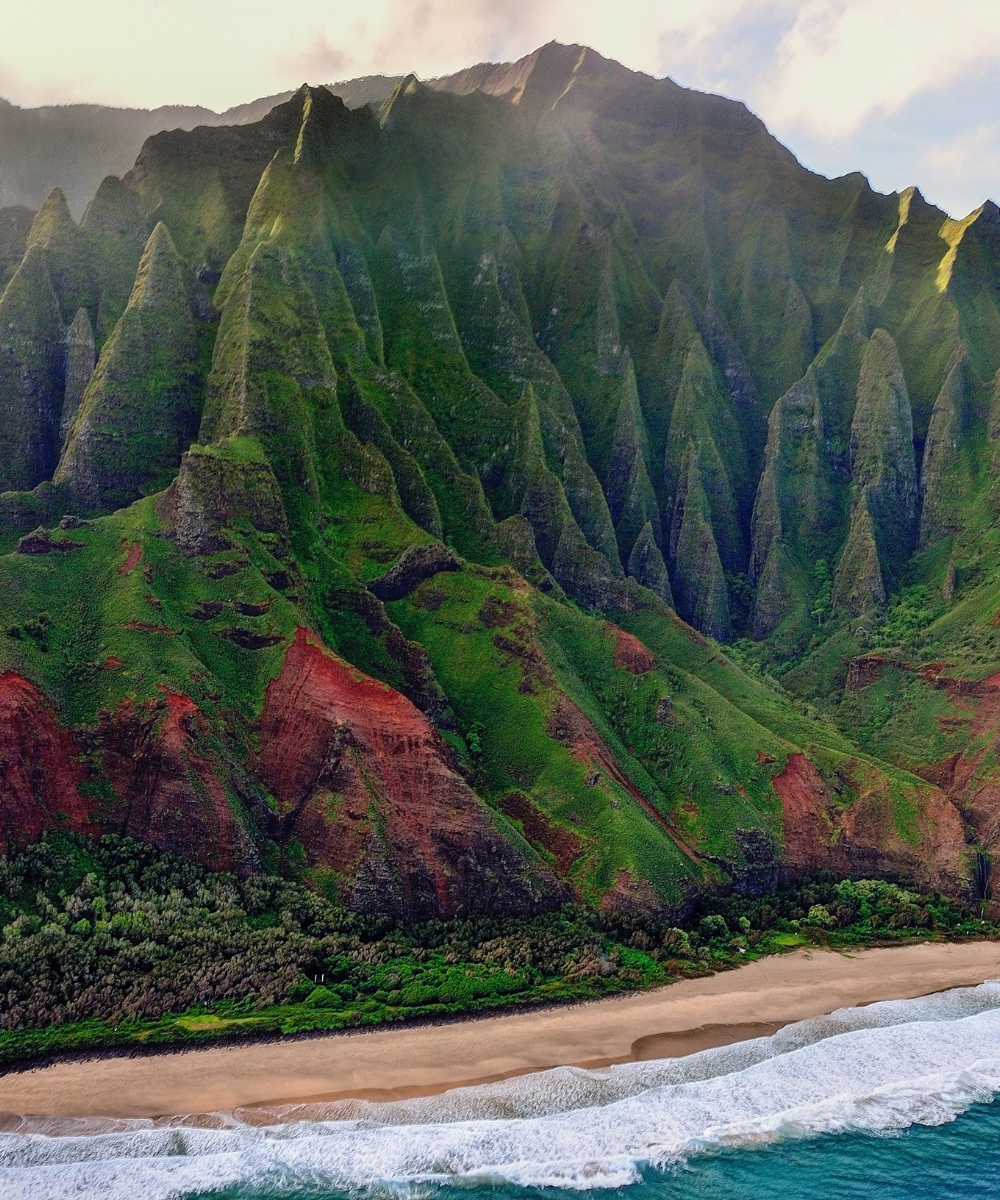
Oahu has the best blanket coverage — Honolulu, Waikiki, the H1 and H3 corridors, and the North Shore around Haleiwa and Turtle Bay all get strong 4G and 5G. Maui's main corridors (Kahului, Lahaina, Kihei, and the road to Hana's lower section) are solid; the upper road to Hana thins to 3G/4G and the Haleakala summit has patchy signal. The Big Island is vast: Kona, Hilo, and the Saddle Road have good 4G; Mauna Kea summit road loses signal at higher elevations; Volcanoes National Park has signal near the visitor centre and weaker coverage at the Chain of Craters Road. Kauai's Lihue and Poipu are strong; the Na Pali Coast (by trail or boat) is functionally offline. Molokai and Lanai have basic coverage in the main towns.
US mainland carriers (AT&T, Verizon, T-Mobile postpaid) generally treat Hawaii as domestic — no roaming charges. For UK, Australian, NZ, EU, Canadian, and Asian travellers, Hawaii is typically billed as either "USA roaming" ($10–$12/day) or in some cases "premium Pacific" at higher rates. Check your home carrier first — some Australian and Canadian plans include Hawaii in affordable packs. Otherwise a Blikst plan for a two-week stay pays for itself in three or four days.
Honolulu (HNL) handles most mainland and international arrivals. Kahului (OGG) on Maui, Kona (KOA) and Hilo (ITO) on the Big Island, and Lihue (LIH) on Kauai all handle direct mainland flights. Install the profile before you fly. Airport Wi-Fi at HNL is decent but crowded. The line activates on T-Mobile as soon as you land. If you're island-hopping via Hawaiian Airlines or Mokulele, your plan keeps working across all islands without any hand-off.
The Road to Hana past Nahiku loses signal in stretches; download offline maps for the whole loop. Mauna Kea's summit (13,800 ft) has effectively no cell signal — make any reservations before you climb. The Kalalau Trail on Na Pali is offline from the first mile; bring a PLB or satellite messenger for serious hikers. Volcanoes National Park's backcountry past the Chain of Craters end point is similarly offline.
A 4-day Waikiki stay: 2–3 GB. A one-week Oahu + Maui combination: 5 GB. A two-week island-hopper covering three islands and several drives: 10–20 GB. A month of remote work from a Kailua or Kihei Airbnb: 20–50 GB — home Wi-Fi and café Wi-Fi fill gaps but video calls benefit from the mobile backup.
Install before your flight, land with a live T-Mobile line, and skip the international roaming pack your carrier is probably trying to upsell you at the gate.


Couldn't load pickup availability


Confirm that your smartphone or device supports our Blikst eSIM functionality.
Learn More

Use the provided step-by-step guide to set up and activate your eSIM in few minutes. Then enjoy your trip.
Learn MoreAffordable and reliable. Traveled to the US for a trip and used blikst. It was much more affordable than other companies and was very
Smooth, simple, just works. Use it again.
Quick activation and stable connection. Super handy 🌟 Used it during my trip in Madeira.
Lovely support, got an esim for UK. Had no issues.
I used to have 3 mobile but the internet connection was not the best, that’s why I started to use Blikst and I find it very useful
The Blikst Hawaii eSIM runs on T-Mobile USA, with 4G and 5G speeds across the islands. T-Mobile is one of the major US carriers, so you get solid LTE and 5G in the main visitor areas. Because Hawaii is a US state rather than a separate country, the line behaves like a domestic US connection once you land, with no hand-off as you move between islands.
It covers the main islands: Oahu, Maui, Hawaii Island, Kauai, Molokai and Lanai. Oahu has the best blanket coverage, including Honolulu, Waikiki and the North Shore. Maui's main corridors are solid, but the upper road to Hana thins out and Haleakala summit is patchy. On the Big Island, Mauna Kea's higher elevations lose signal, and Kauai's Na Pali Coast is functionally offline.
Right after purchase you get a confirmation email with your eSIM details. You install the profile by scanning the QR code provided, and the line activates automatically the moment you arrive in Hawaii on T-Mobile. Set it up before you fly so you land already connected. Installing an eSIM is just adding a new mobile line in your phone's settings, then scanning that QR code when prompted.
Most modern smartphones work fully with Blikst eSIMs, though a few exceptions exist, so it is worth checking our detailed compatibility list to confirm your exact device. Your phone also needs to be carrier-unlocked and eSIM-capable. On iPhone you can check under Settings, General, About for an EID number, and on Android you will find eSIM options in the network or SIM settings.
It depends on your trip. A four-day Waikiki stay is comfortable on 2 to 3 GB. A one-week Oahu and Maui combination suits around 5 GB. A two-week island-hopper covering three islands and several drives is better on 10 to 20 GB. A month of remote work from a Kailua or Kihei Airbnb can run 20 to 50 GB, since video calls add up even when home and cafe Wi-Fi fill the gaps.
Yes, tethering and hotspot use are supported, so you can share your connection with a laptop, tablet or a travel companion's phone. That is handy when you are working remotely from an Airbnb or want backup for video calls where Wi-Fi is unreliable. Bear in mind coverage still follows the same map, so a hotspot will only be as strong as the signal in spots like Mauna Kea or the Na Pali Coast.
These are data plans, so they do not come with a local phone number for traditional calls or texts. You can still call and message over the internet using apps like WhatsApp, FaceTime or iMessage, which is how most travellers stay in touch anyway. Because an eSIM is a separate digital line, your physical home SIM can stay in the phone, keeping your usual number reachable for anything important.
For most non-US travellers, yes. UK, EU, NZ and many Asian plans bill Hawaii as USA roaming at around 10 to 12 dollars a day, or sometimes higher premium Pacific rates. At those prices a Blikst plan for a two-week stay typically pays for itself in three or four days. Do check your home carrier first, as some Australian and Canadian plans already include Hawaii in affordable packs.